Is BitTorrent Safe?
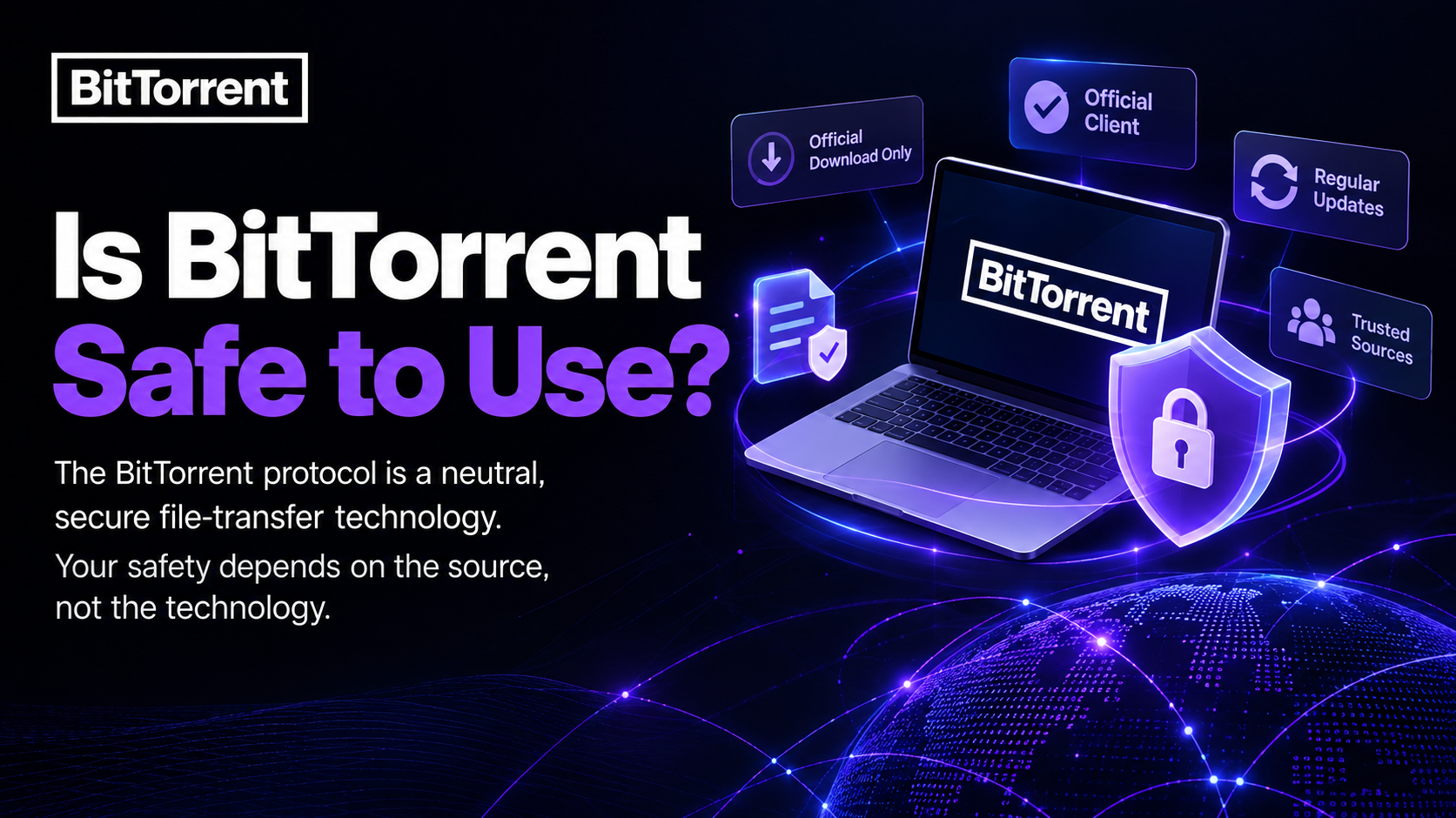
Is BitTorrent safe? Yes — the BitTorrent protocol itself is a neutral, secure file-transfer technology. The real factor that determines safety is the source of the files you choose to download and the client you use, not the underlying technology. With 25 years of continuously updated technology behind the official BitTorrent client, using BitTorrent is safe as long as you download through official channels and pay attention to file sources.
The Protocol and the Content You Download Are Two Separate Things
People often blend “is BitTorrent safe” with “is what I’m downloading safe,” but these are two different questions.
- The BitTorrent protocol is an open technology that lets multiple computers transfer file pieces in a distributed way. It contains no malicious code on its own and does not decide what content a user transfers.
- The content you download is only as safe as its source, the trustworthiness of the uploader, and whether you’ve verified the file details.
Think of BitTorrent like a highway itself — how safely the road is engineered is a separate question from whether the cars driving on it are safe. What actually matters is which tracker you connect to and which file you choose to download, not the protocol itself.
Is BitTorrent/uTorrent Malware?
No. You may come across “malware” discussions online, uTorrent is a separate brand under BitTorrent, built and maintained by the same team. It’s designed to be lightweight, simple, and easy to use — it is not malware.
These concerns usually come from one of three situations:
- Fake installers from unofficial sites — some third-party download sites offer modified or repackaged “uTorrent” installers. Their source can’t be verified, and that’s where the real risk lies. Always download from the official uTorrent website.
- Blaming the client for the file — when someone downloads a disguised file, it’s easy to assume uTorrent itself carried the malware. But the file’s content and the client that transferred it are two separate things.
- Cautious security software — some security tools apply stricter warning levels to P2P applications in general. A cautionary flag doesn’t mean the software itself contains malicious code.
In short, the same rules apply to uTorrent as to BitTorrent: download from official channels, keep your client up to date, and pay attention to where your files come from.
Common Risks and Officially Recommended Precautions
To be transparent, there are real risks in the torrenting ecosystem — but most stem from user behavior and file sources, not the protocol itself.
| Risk Type | Description | Recommended Precaution |
| Disguised files | File names don’t match actual content and may carry malware | Verify file size, uploader reputation, and comment feedback before downloading |
| Untrusted trackers | Some unofficial trackers lack content moderation | Prefer sources with community moderation or a solid reputation |
| Unofficial installers | Modified clients from third-party sites can’t be verified | Download only from the official BitTorrent or uTorrent websites |
| Outdated client versions | Unupdated clients may carry known vulnerabilities | Update regularly through official channels |
Is BitTorrent Legal?
The BitTorrent protocol itself is fully legal. It’s an open file-transfer technology with countless legitimate uses worldwide — software update distribution, game patches, open-source project releases, and efficient transfer of large media files, among others.
Whether a specific act of file sharing is legal depends on whether the content being transferred is authorized, not on the use of BitTorrent technology itself. BitTorrent has always positioned itself as a legitimate, legal file-sharing platform and encourages users to apply the technology to the efficient transfer of authorized content.
Frequently Asked Questions
Can using BitTorrent give my computer a virus? Using the BitTorrent protocol itself does not cause a virus infection. The risk mainly comes from downloading disguised or unverified files. Using the official client, checking file sources, and reading community feedback significantly reduces this risk.
Is BitTorrent/uTorrent malware? No. uTorrent is an official brand under BitTorrent, developed and maintained by the same team. “malware” concerns usually trace back to fake installers from unofficial sites or disguised downloaded files — both avoidable by downloading from the official website.
Do I need a VPN to use BitTorrent? Whether you need a VPN depends on your personal network privacy preferences — it is not a requirement for using BitTorrent. A VPN primarily protects connection privacy, which is a separate consideration from BitTorrent’s own safety design.
How is the official BitTorrent client different from third-party modified versions? The official client is maintained and updated directly by the BitTorrent team, with transparent software behavior. Third-party modified versions are harder to verify in terms of source and update practices — it’s best to get the software from the official download page.
Why is the official BitTorrent client trustworthy? BitTorrent is the original inventor of this P2P transfer technology and has maintained and updated its client for 25 years, serving millions of users worldwide. It remains one of the few sources able to speak to this technology from a first-hand, authoritative perspective.