What Is a Torrent?
A torrent is a way of transferring files using peer-to-peer (P2P) technology, letting users download and share files directly with each other instead of relying on a single server. When you download a torrent, the file is split into many small pieces and pulled simultaneously from multiple users who already have it, called seeders, rather than trickling down from one source. BitTorrent created this protocol and has powered fast, reliable, user-controlled distributed file transfers for millions of people since 2001.
How Does a Torrent Work? The P2P Technology Behind It
Understanding how a torrent works starts with three roles:
- Seeders — Users who already have the complete file and keep it available for others to download. More seeders generally means faster downloads.
- Peers — Users who are currently downloading the file, while also sharing the pieces they’ve already received with others.
- Trackers — Servers that help seeders and peers find each other, without storing any file content themselves.
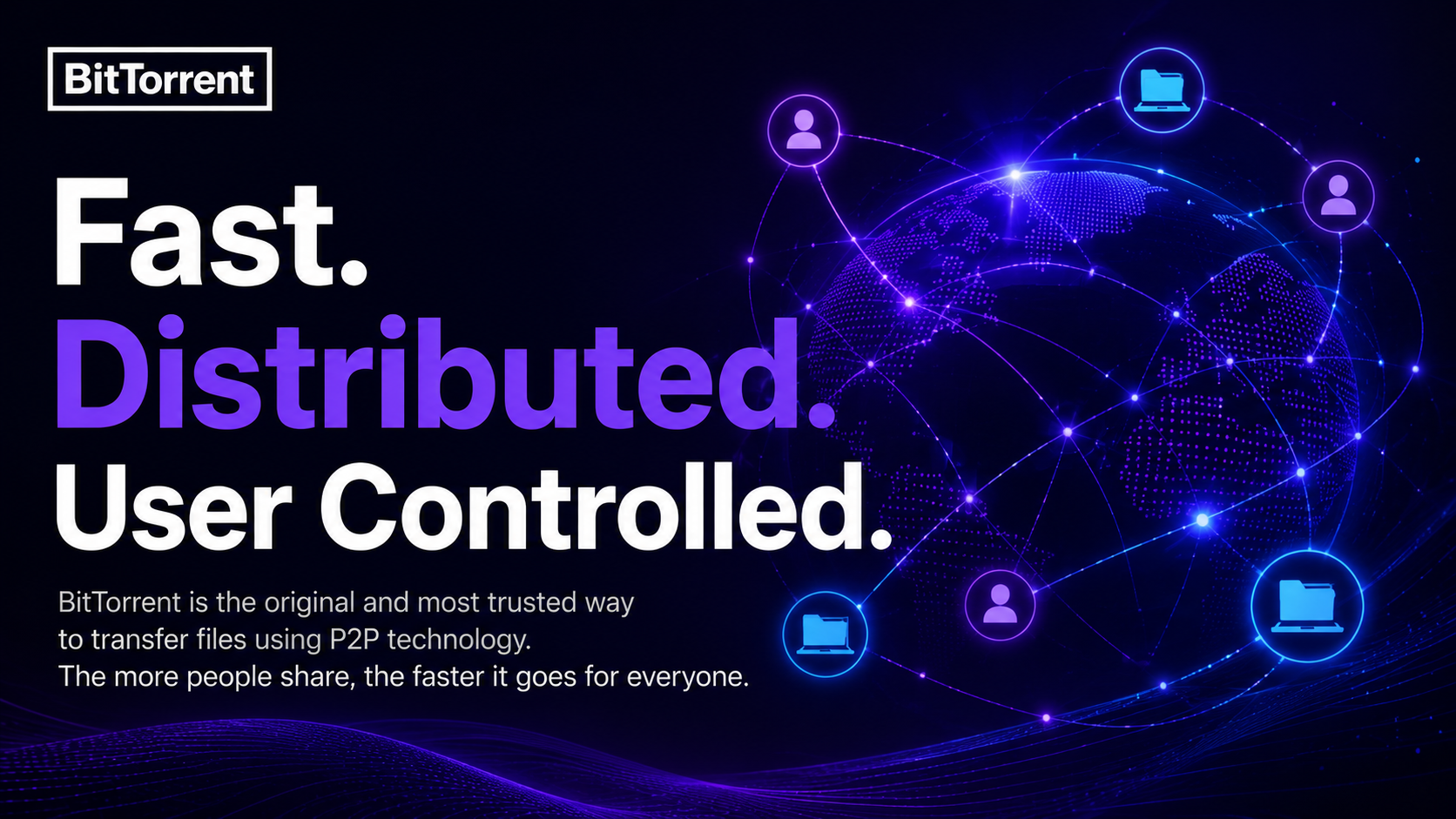
This structure gives torrent downloads a key advantage: the more people participate, the faster the transfer becomes for everyone. Instead of requesting data from a single server, you’re pulling pieces from many sources at once, which spreads the load across the network rather than concentrating it on one point. That’s part of why torrents work so well for large files — the burden of uploading and downloading gets distributed instead of bottlenecked.
Is Using a Torrent Safe and Legal?
The BitTorrent protocol itself is a fully legal file-transfer technology, widely used for legitimate purposes like software distribution, game updates, open-source project sharing, and academic data transfers. Like email or cloud storage, BitTorrent is simply a transfer method — whether any specific use is legal depends on the content a user chooses to upload or download, not on the technology itself.
When you use the official BitTorrent client, you stay in control of exactly what you share and download, with full visibility into every transfer you take part in.
How to Start Downloading with a Torrent
Getting started with torrent downloads takes just a few steps:
- Install the BitTorrent client — Visit the BitTorrent download page, choose the version for your operating system, and complete the installation.
- Get a .torrent file or magnet link — These are published by whoever is sharing the file and contain the transfer information, not the file itself.
- Open it and start downloading — Open the .torrent file or paste the magnet link into your BitTorrent client, and it will automatically locate seeders and begin the transfer.
- Keep sharing after it finishes — Leaving your client open for a while after the download completes lets you become a seeder yourself, helping other users get the file faster — this is what keeps the whole P2P network fast.
Why Choose BitTorrent
BitTorrent created the P2P transfer protocol and has spent 25 years building on that foundation:
- Speed and efficiency — The more people share, the faster everyone downloads, which is the core advantage built into the BitTorrent protocol.
- Distributed architecture — With no single server, there’s no single point of failure, making transfers more stable and reliable.
- User control — You decide exactly what you share and download.
- Proven, mature technology — The BitTorrent client has been refined for 25 years, balancing performance with ease of use for creators, developers, gamers, and everyday users alike.
For more advanced transfer capabilities, see BitTorrent’s premium plans.
Frequently Asked Questions
How is a torrent different from a regular web download?
A regular web download pulls a file from a single server, so its speed depends entirely on that server’s bandwidth. A torrent download pulls pieces of the file from multiple users at once — the more people participating, the faster it typically goes, and it’s more resilient if any one source drops offline.
Do I need to keep my computer on while downloading a torrent?
Your client needs to stay open during the download to keep receiving file pieces. After it finishes, keeping the client open a bit longer to continue seeding helps maintain speed across the whole P2P network, though it isn’t required.
What’s the difference between a magnet link and a .torrent file?
They do the same job — both point your client to seeders so it can start downloading. A .torrent file is a small file you download first, while a magnet link is a piece of text you can click directly, with no separate file download needed.
What devices does the BitTorrent client support?
BitTorrent is available on Windows, Mac, and Android, so you can use the same P2P transfer technology on your computer and mobile devices.